창립자에게 문의하기
아직도 궁금한 점이 있으신가요?
저희 창립자와 직접 연결하세요. 가격이든 기술적인 세부 사항이든 명확한 답변을 받고, 첫 주문을 위한 독점 ‘창립자 보너스’도 받아보세요.




900명 이상의 만족 고객
🏆 1,000건 이상의 맞춤 프로젝트를 성공적으로 납품했습니다.

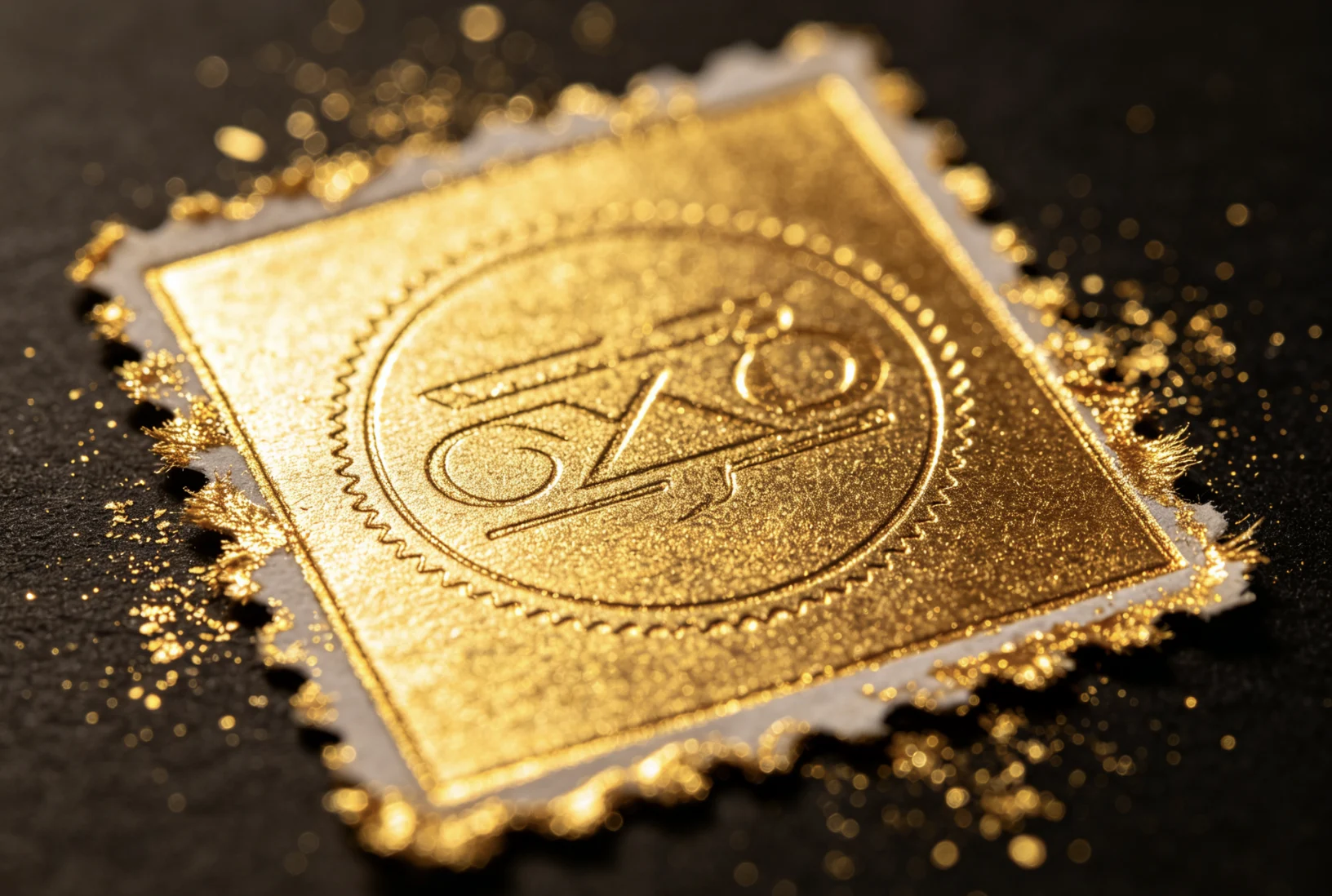
Extra gold foil around your stamp is one of the most common hot foil stamping problems. The logo may transfer, but the edges look messy, the background picks up small gold marks, or a thin gold halo appears around letters and lines.
This problem is different from foil not transferring. When foil does not transfer, the result looks weak, pale, or incomplete. When extra foil transfers around the stamp, the system is usually too aggressive: too much heat, too much pressure, too long dwell time, unsuitable foil, or uneven die contact.
This guide explains how to fix extra foil, foil residue, messy gold edges, and unwanted foil marks on leather, PU leather, paper, book covers, cards, packaging, and other flat materials.
Extra gold foil around a stamp usually happens because the foil is being activated outside the intended design area.
Start by checking:
Do not change everything at once. Adjust one variable at a time, starting with temperature and dwell time.
Before fixing the problem, identify which issue you have.
| 문제 | What You See | Most Likely Cause |
|---|---|---|
| Missing foil | weak transfer, blank areas, broken lines | too little heat, pressure, or dwell time |
| Extra foil | gold around the logo, messy edge, foil residue | too much heat, pressure, or dwell time |
| Blurry small letters | letters fill in, edges spread | excessive heat/pressure or artwork too tight |
| Uneven foil | one side clear, one side messy or weak | die not level or material surface uneven |
If your foil looks weak or incomplete, read our guide on why foil does not transfer on leather.
If your small letters are filling in, see 흐릿한 가장자리 없이 가죽에 작은 문자를 찍는 방법.
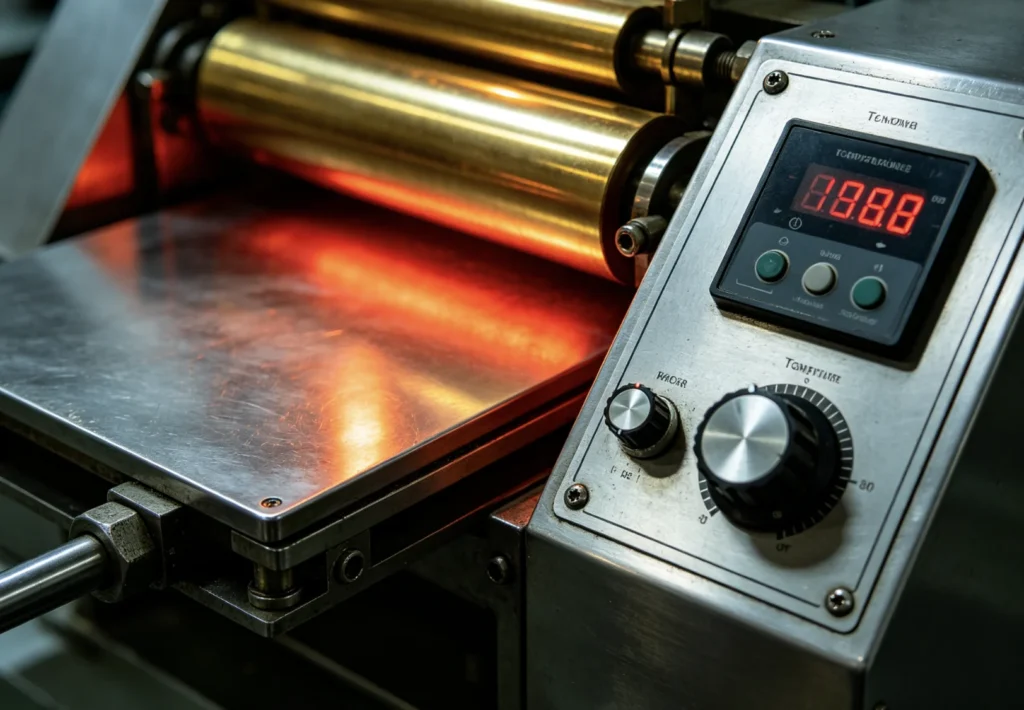
High temperature is one of the first things to check when gold foil appears around the stamp.
When the die is too hot, the foil adhesive can soften too much. Instead of transferring only where the raised die face contacts the material, the foil may spread slightly around the design. On PU leather, soft coated leather, paper, and coated packaging materials, this can create a gold halo, fuzzy edge, or random foil spots.
In Zhengfei PU leather tests, 100°C with 1 second produced clean transfer for EC-27 letter type and QS201 brass die applications. At higher temperatures, the metallic effect became stronger, but small letters were more likely to show edge spread. At 120°C, PU leather could soften, show press marks, or produce fuzzy edges.
For 90XTS thick movable type on PU leather, 110°C with 1 second was a strong reference setting. At 120°C and 130°C, the risk of edge spread, joined strokes, and material damage increased.
Reduce temperature gradually.
A practical test method:
For PU leather, a practical starting range is often around 100-110°C, depending on coating, foil type, die size, and pressure. For paper and napkin projects, Zhengfei tests showed 110°C with 2 seconds can be a strong reference setting, but paper thickness and foil model still matter.
For more material-specific settings, review how to hot stamp leather: temperature, pressure, and time 및 best temperature for foil stamping on paper and napkins.
Pressure helps the foil bond to the material. But too much pressure can push the foil into areas where it should not transfer.
This is especially common with:
If the pressure is too strong, the design edge may look thick, dark, or pressed too deeply. The foil may also spread around the stamped area.
Reduce pressure slightly before changing the die or foil.
Look for these signs:
For small logos and fine text, it is usually better to use controlled, even pressure instead of forcing the handle or increasing machine pressure aggressively.
Dwell time means how long the heated die stays in contact with the foil and material.
Longer dwell time can help when foil transfer is weak, but it can also cause extra foil if the material is already receiving enough heat and pressure. The longer the die stays down, the more heat spreads into the surrounding area.
For PU leather, Zhengfei tests often use short dwell times around 1 second for clean lettering and logo transfer. For napkin paper and 3D paper stamping, 2 seconds worked well in specific workshop tests, but thin paper can be damaged if the dwell time is too long.
Shorten the dwell time first if the foil looks full but messy.
Test this order:
For fine details, shorter dwell time often gives cleaner edges.
Extra foil can also come from uneven die contact.
If one area of the die presses harder than another, one side may transfer too much foil while the other side looks weak. A dirty die can also create random foil marks because foil adhesive, dust, leather coating, or paper fiber residue may stick to the die surface.
Check the die for:
A precision brass die can only perform well if it is mounted flat and kept clean.
If you are preparing a new logo die, artwork and die quality also matter. Read what file format you need for a custom brass die before production.
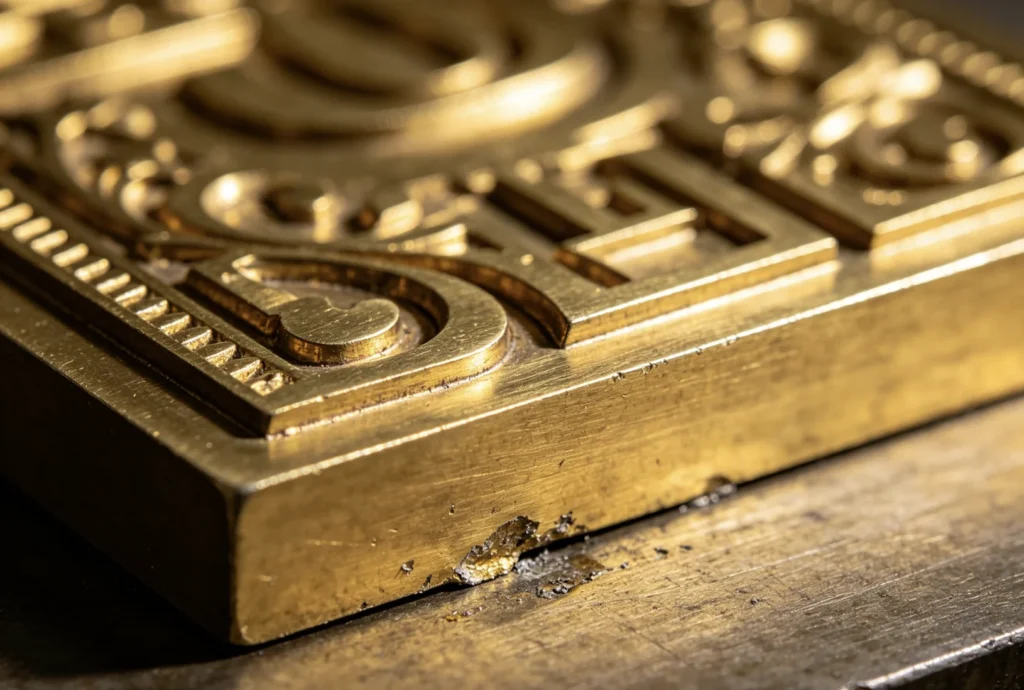
Not every hot stamping foil works on every surface.
Some foils are designed for paper. Some work better on PU leather, genuine leather, plastic, coated packaging, or book cover materials. If the foil adhesive layer activates too easily on your material, it may transfer outside the intended design area.
Signs that the foil may not match the material:
Test more than one foil type before blaming the machine.
Some foil problems start before the die is made.
If a logo has very tight spacing, small gaps, thin outlines, or large solid blocks, it may be harder to control clean foil transfer. Heat and pressure need somewhere to go. If the design is too dense, small open areas can fill in and the foil can look heavy.
This is common with:
For small letters, larger spacing and clearer strokes usually perform better. For large solid logos, the die surface must be flat, heat must be even, and pressure must be balanced across the full area.
When extra gold foil appears around your stamp, test in this order:
Do not adjust temperature, pressure, foil, and die setup at the same time. If you change everything together, you will not know what fixed the problem.
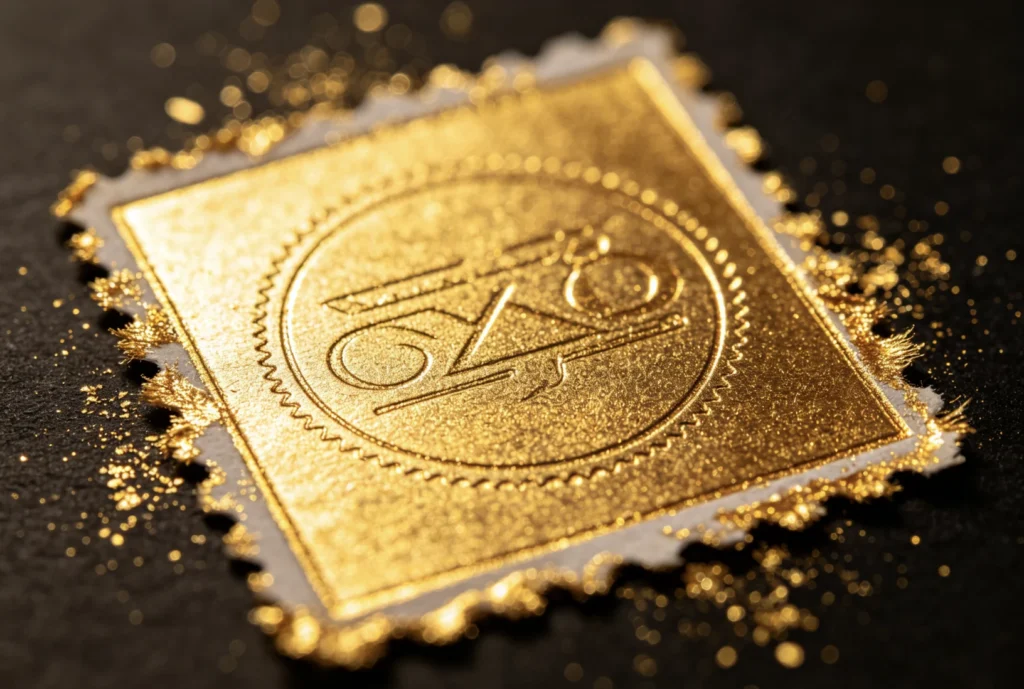
PU leather is sensitive to excessive heat. If the temperature is too high, the surface can soften and foil may spread around the stamp.
For many PU leather jobs, start around 100-110°C with a short dwell time, then adjust carefully. Always test because PU coatings vary widely.
Recommended equipment to review:
Genuine leather varies by grain, oil content, finish, and thickness. Firm, smooth leather usually gives cleaner edges than very soft or heavily textured leather.
If extra foil appears, check whether the leather surface is too soft or uneven. You may need lower heat, shorter time, or a support pad/fixture.
Paper can show extra foil when heat or pressure is too strong. Napkin paper is especially soft and easy to mark.
In Zhengfei 618M napkin paper tests, 110°C with 2 seconds gave a balanced result. At 120°C, foil looked fuller but press marks and edge spread became more likely.
Recommended equipment to review:
Book covers may include paperboard, cloth, PU leather, coated paper, or laminated surfaces. Extra foil can come from uneven pressure on thick board or heat spreading through the cover surface.
For book cover projects, read the book cover foil stamping guide before choosing the die and machine setup.
| Symptom | Likely Cause | First Fix |
|---|---|---|
| Gold halo around logo | 온도가 너무 높음 | reduce temperature by 5-10°C |
| Deep mark and messy edge | pressure too strong | 압력을 약간 줄입니다 |
| Small letters filled in | too much heat/time or tight artwork | shorten dwell time and review spacing |
| One side messy, one side weak | 다이가 수평이 아닙니다 | check mounting and fixture |
| Random gold dots | dirty die or wrong foil | clean die and test different foil |
| Extra foil on soft PU | material surface softened | lower temperature and shorten time |
| Paper dent with foil spread | excessive pressure or heat | reduce pressure first, then heat |
Before running production, confirm the full setup on the same material batch.
Send or record:
This makes troubleshooting much faster and helps avoid wasting finished products.
Extra gold foil around your stamp usually means the stamping process is too aggressive or uneven. Start by checking temperature, pressure, dwell time, die cleanliness, die leveling, foil compatibility, and artwork structure.
For many PU leather jobs, a lower temperature and short dwell time often produce cleaner edges. For paper, napkins, and book covers, controlled pressure is just as important as heat. For small letters or detailed logos, a clean custom brass die and well-prepared artwork can make the difference between a messy result and a professional finish.
Need help fixing extra foil around your logo?
Send your material photo, logo size, foil color, current temperature, dwell time, machine model, and test result to ZHENGFEI. Our team can help recommend a better machine setup, custom brass die, or stamping process for your project.
Extra gold foil usually appears because temperature, pressure, or dwell time is too high, or because the die is not level or clean. The foil adhesive activates outside the intended design area and creates a gold halo, residue, or messy edge.
If the foil looks full but messy, lower the temperature by 5-10°C or shorten dwell time first. If the material shows deep press marks, reduce pressure first. Change only one variable at a time so you can identify the real cause.
Yes. Some hot stamping foils activate too easily on certain materials. If extra foil appears even at lower temperatures, test another foil type that is better matched to PU leather, genuine leather, paper, or coated packaging.
Yes. Foil adhesive, leather coating, paper fiber, or dust on the die can create random gold marks. Clean the brass die surface and check whether the die is mounted flat before changing machine settings.
Small letters fill in when heat, pressure, or dwell time is too high, or when the artwork spacing is too tight. Use a sharp brass die, reduce heat/time, and make sure the design has enough spacing between strokes.
No. Missing foil usually means the process is too weak: low heat, low pressure, short dwell time, unsuitable foil, or poor contact. Extra foil usually means the process is too strong or uneven.

 English English
 Japanese
 Spanish
 French
 Korean
 German
 Russian