We use cookies to ensure that we give you the best experience on our website.
Contact Founder
Still have doubts?
Connect directly with our Founder. Whether it’s about pricing or technical details, get a straight answer and an exclusive “Founder’s Bonus” for your first order.
900+ Satisfied Clients
🏆 Over 1000+ Custom Projects Successfully Delivered.
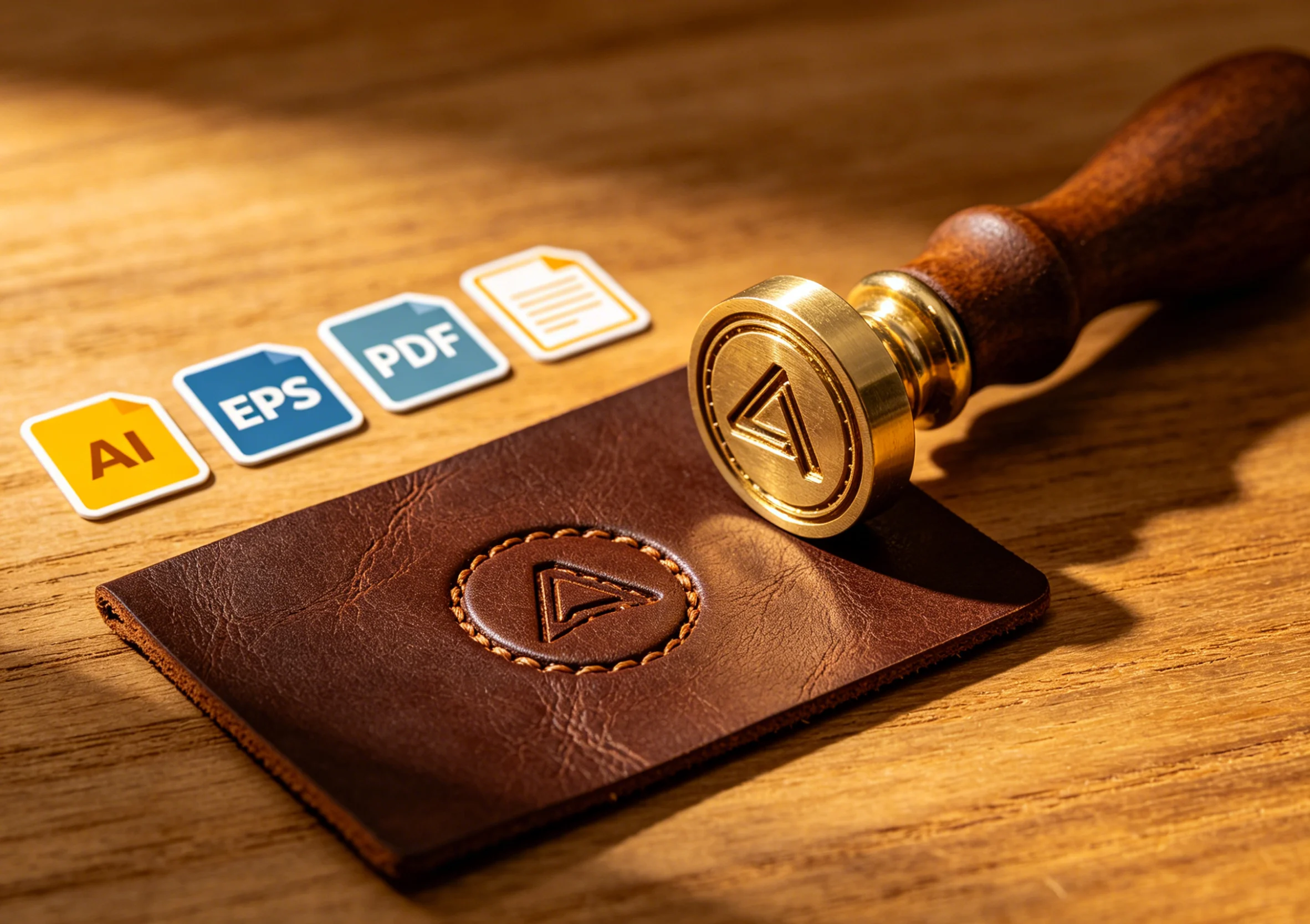
Send clean AI/PDF vector files for faster production and razor-sharp engraving results on your custom brass stamp.
Custom Brass Stamps for Leather Logos: What File Format Do You Need?
If you want a clean and professional leather logo impression, the quality of the custom brass stamp matters just as much as the machine and stamping settings. One of the most common questions buyers ask is simple: what file format should I send for a custom brass die?
The short answer is this: AI, PDF, and other clear vector-based artwork files are usually the best options. A high-resolution JPG can also work for simple logos, and some 3D or technical projects may use STP files. The better the artwork file, the faster the design confirmation and the better the final brass stamp result.
Best File Formats for Custom Brass Stamps
The most commonly accepted file formats for leather logo brass dies are:
AI
PDF
JPG
STP
Each format has a different use case.
Send clean AI/PDF vector files for faster production and razor-sharp engraving results on your custom brass stamp.
AI Files
AI files are usually the best option for custom brass stamp production.
Why they work well:
vector lines stay sharp at any size
text and logo outlines are easier to control
designers can adjust details more accurately
cleaner production drawing for engraving
If your logo was created by a designer, ask for the original AI file whenever possible.
PDF Files
PDF files are also very useful, especially if they contain vector artwork.
Why they work well:
easy to open and review
often preserve clean lines
good for logo confirmation and production reference
A vector PDF is usually much better than a screenshot exported into PDF format.
JPG Files
JPG files can work for simple logos, especially when the image is large and clear.
They are acceptable when:
the logo is simple
the resolution is high
edges are easy to identify
there is strong contrast between artwork and background
But JPG files are not ideal for fine detail, small text, or precise logo geometry.
STP Files
STP files are more specialized and are usually used for technical or 3D-related mold work.
They may be useful when:
the project includes dimensional structure
the logo is part of a more complex mold
a technical model already exists
For most standard leather logo brass stamps, AI or vector PDF is still the better choice.
No matter which file format you send, the artwork should be:
clear
centered
high contrast
free from background clutter
sized close to the real stamping area if possible
For best results, your file should also show:
logo text spelling
correct line thickness
target stamp size
whether you want foil stamping, embossing, debossing, or branding
This helps avoid delays during design confirmation.
Common File Problems That Slow Down Production
Many delays happen because the artwork is usable for printing, but not ideal for engraving a brass die.
Common problems include:
blurry screenshots
logos copied from websites
low-resolution social media images
text that is too small to engrave cleanly
very thin lines
missing size information
background shadows or extra graphics
If the original logo file is not available, a factory may still be able to redraw it, but that adds time and may slightly change the artwork.
What File Is Best for Small Leather Logos?
For small leather goods such as:
wallets
keychains
belts
card holders
notebook covers
the best file is usually a clean AI or vector PDF.
Small logos need:
sharp corners
stable line thickness
readable text
correct spacing between letters
This is especially important when the brass die will be used on PU leather or soft genuine leather, where too much detail can fill in during stamping.
What Else Should You Send with the File?
To speed up custom brass stamp production, do not send only the logo file. It helps to send:
final stamp size
material to be stamped
foil stamping or blind embossing requirement
machine model if already selected
product photo
target position on the product
For example, a logo for a wallet corner and a logo for a bag center may need different die layout and mounting suggestions.
Why File Quality Affects Final Stamping Results
A custom brass stamp is engraved based on your artwork. If the artwork is unclear, the die may still be made, but the final result may show:
rough edges
unreadable small text
weak fine lines
poor logo balance
extra revision time
A better file leads to:
faster artwork confirmation
cleaner engraving
better heat transfer
sharper leather stamping result
How Zhengfei Handles Custom Brass Stamp Artwork
At Zhengfei, custom brass stamp projects usually follow this process:
Customer sends logo or artwork
Design team reviews the file
Production drawing is prepared for confirmation
Customer confirms the layout
Brass die is produced
Test and shipment are arranged
For standard custom brass stamp projects, AI, PDF, JPG, and STP files can all be reviewed. If the artwork is not fully production-ready, the design team can help adjust the file before engraving.
Best Brass Stamp Setup for Leather Logos
A good file is only one part of the result. For leather logo stamping, it is also important to match the file with the right setup:
custom brass die for the logo
suitable die depth
correct mounting method
stable hot stamping machine
tested temperature, pressure, and dwell time
For example:
EC-27 is practical for many PU leather logo applications and finished leather products
90XTS is a strong choice for repeat stamping and stable small-batch production
The right machine and die combination helps turn good artwork into a clean final impression.
If you want to order a custom brass stamp for leather logos, the best file format is usually AI or vector PDF. A clear JPG can work for simple artwork, and STP may be used for more technical mold projects.
The key is not only the file extension, but the actual quality of the artwork. Clear lines, correct size, and complete project information make production faster and stamping results better.
What is the best file format for a custom brass stamp?
AI is usually the best format because it preserves clean vector lines. Vector PDF is also a strong option.
Can I use a JPG for a brass logo stamp?
Yes, but only if the image is clear and high resolution. For small logos and fine text, AI or vector PDF is better.
Do I need to convert text into outlines?
Yes, that is usually recommended. Outlined text helps prevent font issues and keeps the design stable during production review.
What if I only have a screenshot of my logo?
A screenshot may work for simple designs, but it is not ideal. It often needs redrawing before brass die production.
What information should I send besides the logo file?
Send the stamp size, material, application method, and product photo if possible. This helps the factory recommend the right die structure and machine setup.
Share your love
ZHENGFEI Technical Team
ZHENGFEI Technical Team shares practical hot stamping knowledge from real production tests, including brass die design, foil stamping parameters, machine setup, leather, paper, acrylic, plastic, wood and packaging applications.






 English
 Japanese
 Spanish
 French
 Korean
 German
 Russian